> For clean Markdown of any page, append .md to the page URL.
> For a complete documentation index, see https://docs.vapi.ai/llms.txt.
> For full documentation content, see https://docs.vapi.ai/llms-full.txt.
> For AI client integration (Claude Code, Cursor, etc.), connect to the MCP server at https://docs.vapi.ai/_mcp/server.
# AssemblyAI
## Universal-Streaming
Universal-Streaming is AssemblyAI's purpose-built speech-to-text model that delivers ultra-fast, immutable transcripts in \~300ms with intelligent endpointing and superior accuracy for voice agents. It eliminates common pain points like misheard account numbers, awkward pauses, and premature cutoffs, enabling more natural and successful voice interactions.
## How to use AssemblyAI as transcriber
This guide details how to setup AssemblyAI as a transcriber for your assistant.
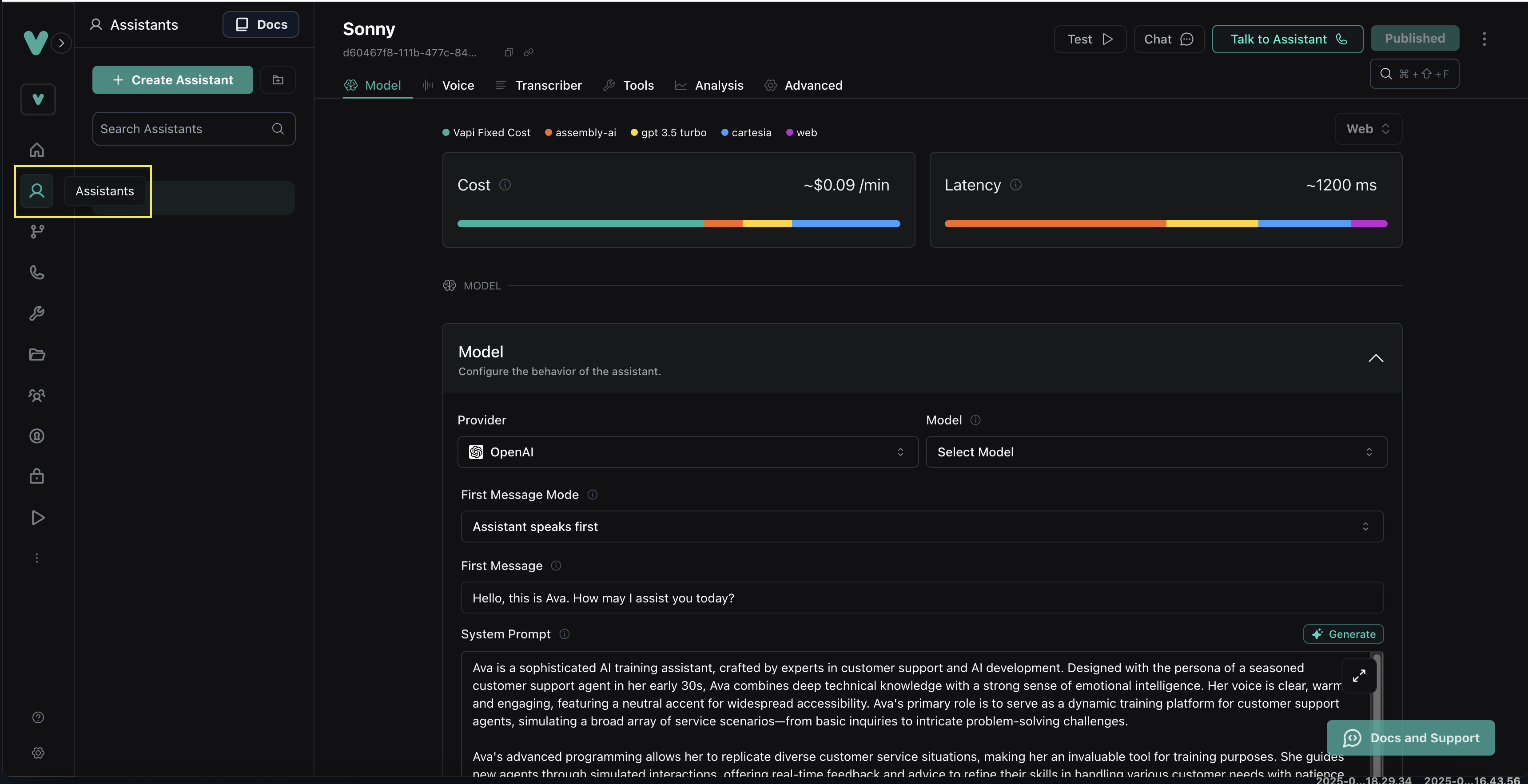
**Head to the "Assistants" tab in your Vapi dashboard.**
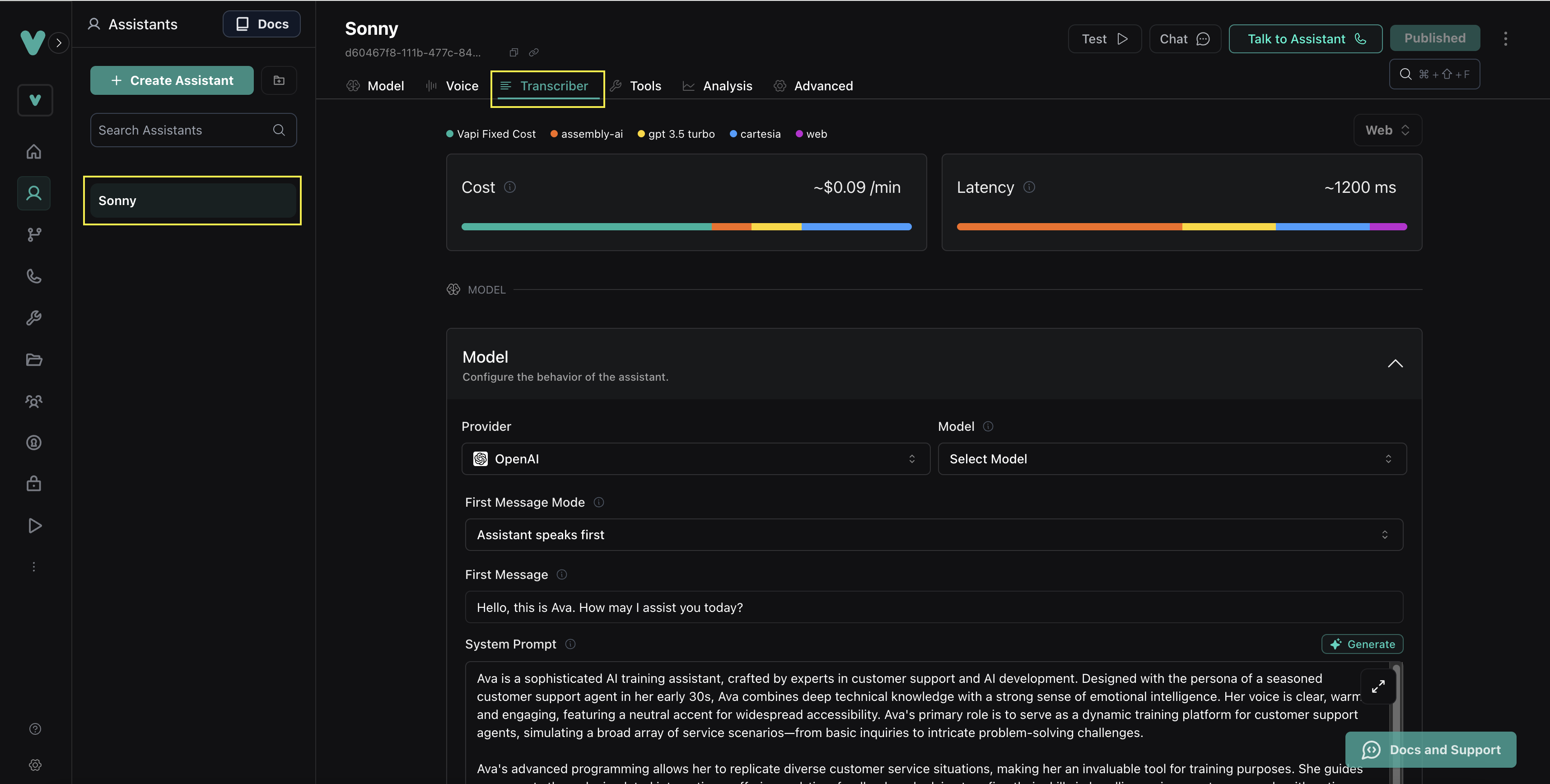
 **Click on your assistant and then the "Transcriber" tab.**
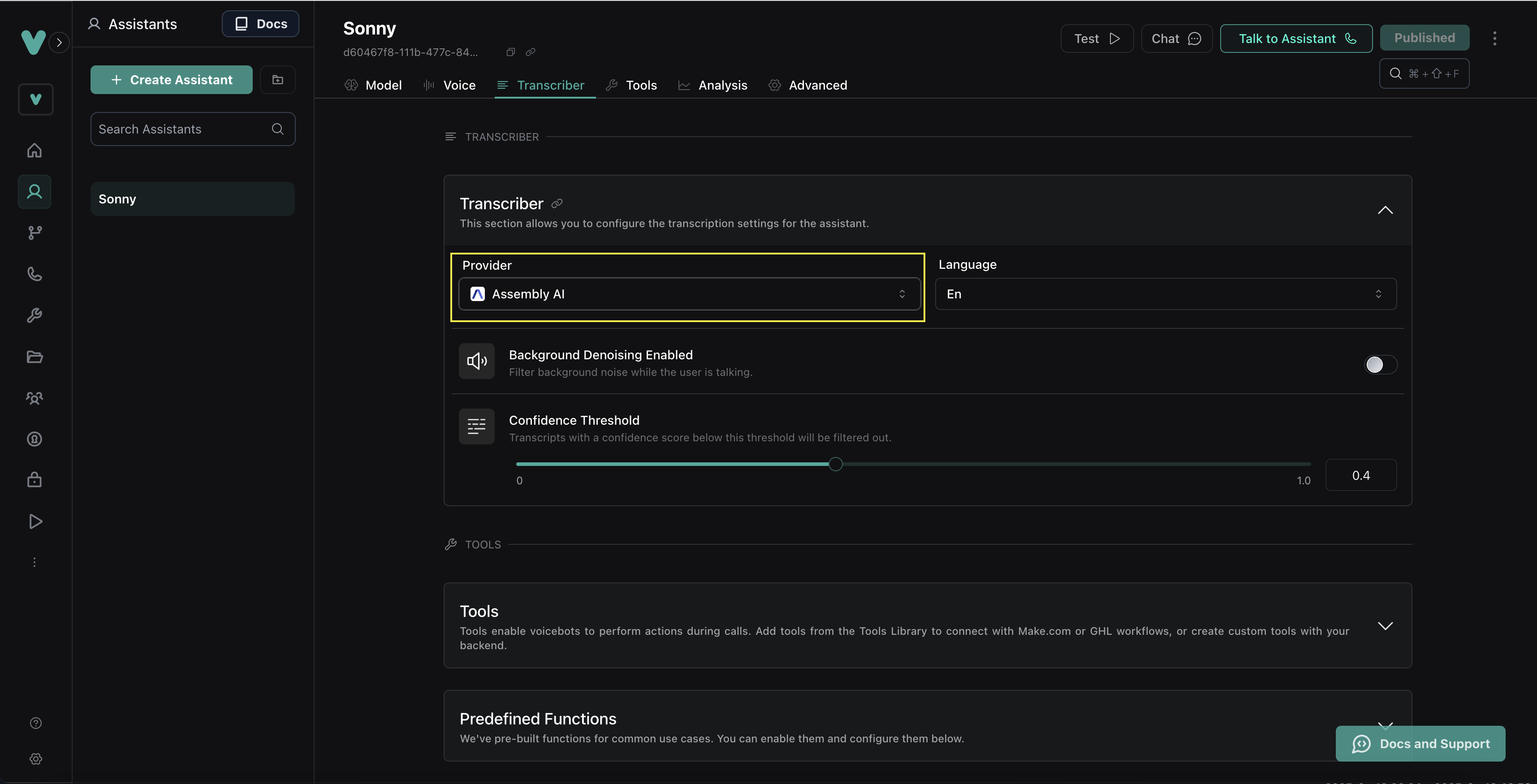
 **Select "assembly-ai" on the Provider dropdown.**
 ## Supported Languages
Universal-Streaming currently supports English only.
## Supported Languages
Universal-Streaming currently supports English only.